 Better Menu
Free to start
Everything your business needs in one place
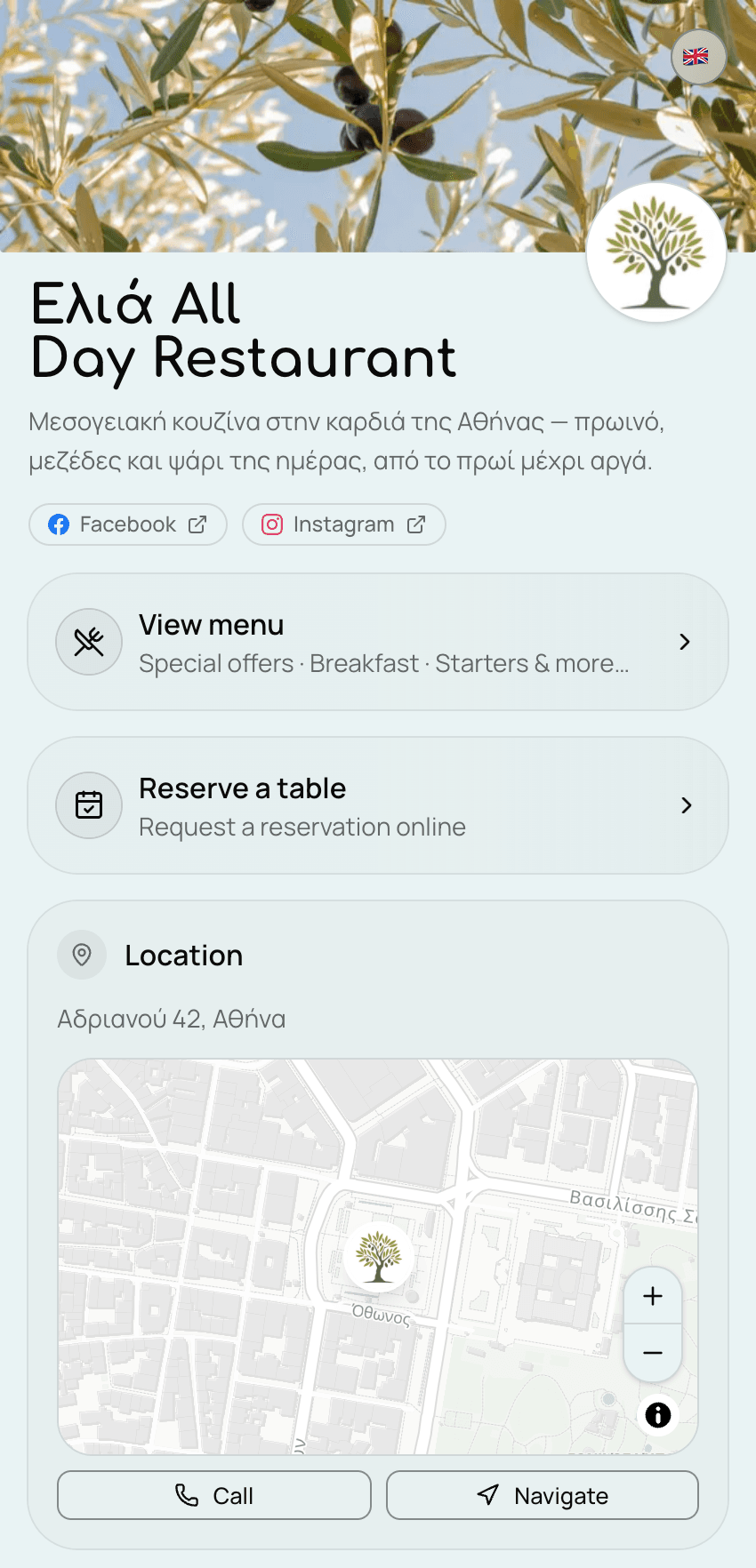
Your own website, with your menu and photos, opening hours, business address and online table booking. Guests open it from a QR code or a link, no app needed.
- No card to sign up
- Ready in an afternoon
- Cancel any time
How it works
Four steps, from signing up to guests on your page.
- Step 1
Create your page
Sign up with your email, then fill in three short steps: your name and page link, your address, and your opening hours. Your page goes live as soon as you finish, for free.
- Step 2
Add your menu
With the Plus or Pro plan, add your categories and dishes with prices and photos, then publish the menu. After that, every change shows up straight away.
- Step 3
Put your QR code on the tables
Order wooden table stands or stickers from us, printed with your own QR code and ready to use. Alternatively, you can download the QR code from your dashboard in your own colours and print it yourself. You can also share the link on Instagram and Facebook.
- Step 4
Guests open your page
They scan the code with their phone camera or tap the link. No app to needed download.
What it does for you
All of it works from your phone, with nothing to install.
Change a price in a second
The fish ran out? Cross it off from your phone. Everyone sees it straight away. No reprinting, no stickers.
Tables booked online
A guest asks for a table from your page. You say yes, you give them a table, they get a message. No phone call.
Your own address
Something like elia.better-menu.gr. Put it on your cards, your posts, your sign. It is yours.
Tourists read it too
Your page speaks nine languages. They tap their flag and read your menu in it.
Your Google stars
Your rating and your latest reviews, shown on your own page. Nobody has to go looking for them.
You see what happens
How many people opened your menu, on which days, from where. Plain numbers, no homework.
What it costs
One subscription per business, paid monthly or yearly. Stop whenever you like — it stays on until the end of the period you paid for.
- Free
€0 / month
Your page, your hours, your address, your photos.
- Plus
€14 / month
The menu, table bookings and your Google stars.
- Pro
- Recommended
€18 / month
Everything in Plus, with more dishes and languages, events and visitor statistics.
Questions owners ask
Short answers to what owners ask us most.
How do I make a QR code menu for my business?
Sign up and fill in three short steps: your name and page link, your address and your opening hours. Your page is live straight away, for free. With the Plus or Pro plan you add your categories and dishes, publish the menu, and download your QR code from the dashboard to print.
Do my guests need to download an app?
No. They scan the QR code with their phone camera, or tap your link, and your page opens in the browser.
Can I change prices and dishes whenever I want?
Yes, from your phone or computer. Every change shows up on your menu straight away, with nothing to reprint.
Can my menu be in more than one language?
Yes. Plus adds 1 language beyond your own and Pro adds up to 4. Guests choose their language from the matching flag.
How does online table booking work?
A guest asks for a table with a click on your page. You see every request in one list, say yes or no, and reserve the table instantly. The guest gets a message with a link to add it to their calendar. Booking comes with the Plus and Pro plans.
How much does a digital menu cost?
Your page is free. The menu comes with Plus at €14 a month or Pro at €18 a month, per business — or €154 and €195 paid yearly. You can cancel at any time, and the plan stays on until the end of the period you paid for.
Have a look first then Sign up
Open a real page, then make your own for free.
Would you like a tour? Ask for a demo